Skip to main content
How to login to your Google Group emails
- Log into your Nurse Next Door email account.
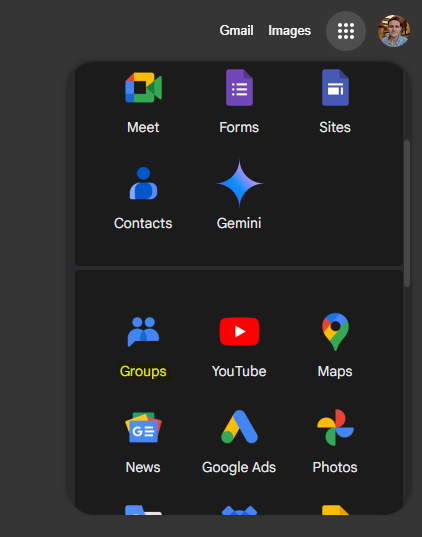
- Click Groups from the Google Apps application drawer.
- Click My groups.
- The email address for the group appears under the Group Title. In this example, the email address is amazon.it.

- The Group column will display:
- The Name and email address in the first column.
- The date that you joined the group.
- Subscription: how you will receive messages (can be turned off).
- Settings, Add Members, Leave the Group, Mark as a Favorite Group.

